
- This event has passed.
Grasshopper MCP using Murmurate
What you’ll learn
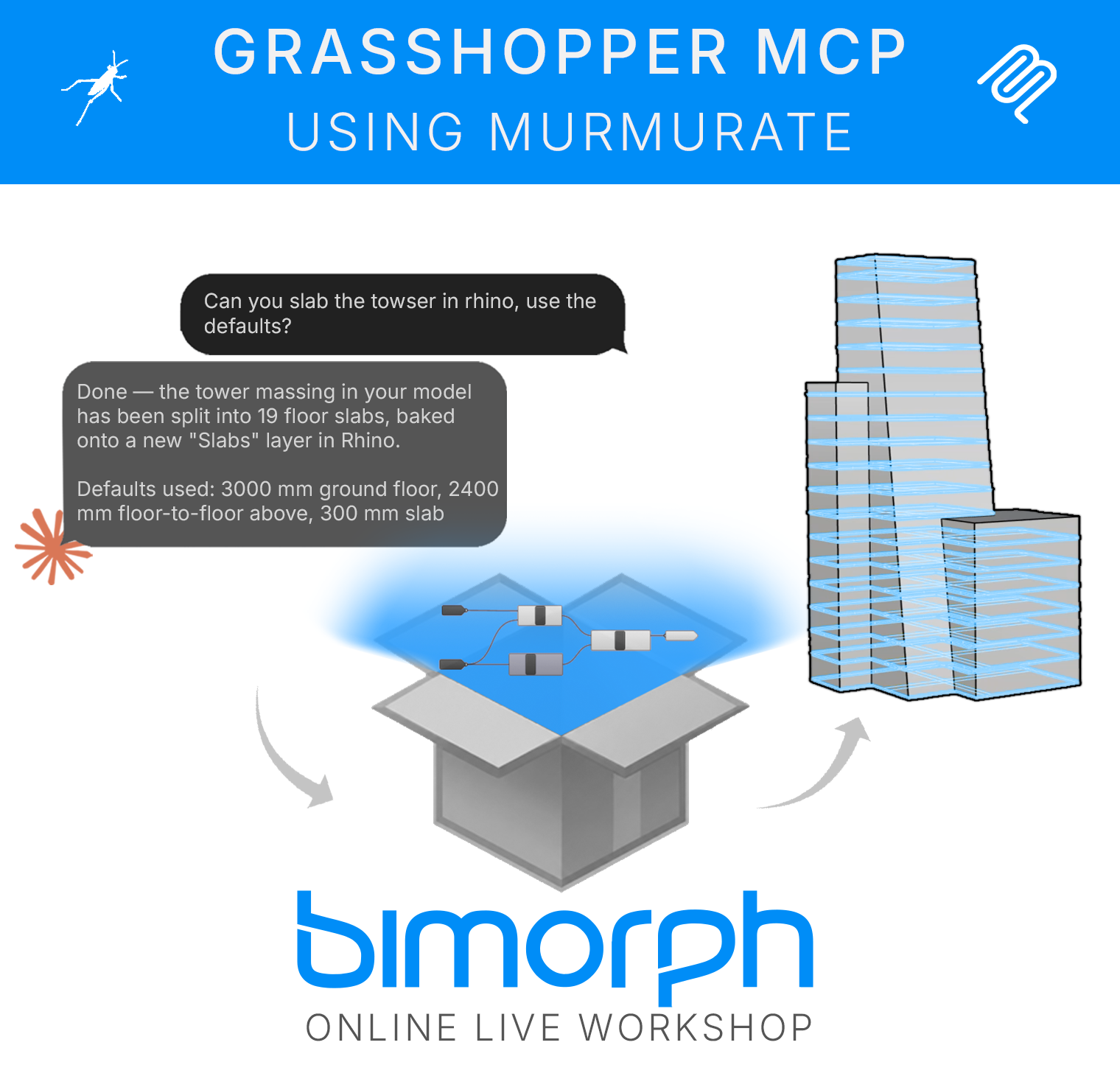
Use MCP (the Model Context Protocol) with Grasshopper and Rhino without abandoning the definitions you’ve built over years. With Murmurate, our Rhino and Grasshopper plugin, you’ll convert a real definition into a tool an AI assistant can find and run: wrap the logic in an AI tool component, declare the inputs and outputs that matter, publish it to your tool library, and call it from your preferred LLM client in plain language.
There is no configuration file, terminal, API key or code to write, and authoring never leaves the Grasshopper canvas. You’ll also learn what MCP is and why it matters for computational designers, how a tool is structured so an assistant knows how to run it, how results come back into Rhino and Grasshopper, and how to test, refine and deploy responsibly.
What you’ll cover
- What MCP is and why it matters for designers
- An introduction to Murmurate, our Rhino and Grasshopper plugin
- Anatomy of a tool: typed inputs, outputs and the descriptions an assistant reads
- Wrapping an existing definition as a callable tool, without leaving Grasshopper
- Publishing to a tool library and connecting an LLM client (Claude Desktop, Claude Code or any MCP client)
- Data and geometry exchange, testing and limits